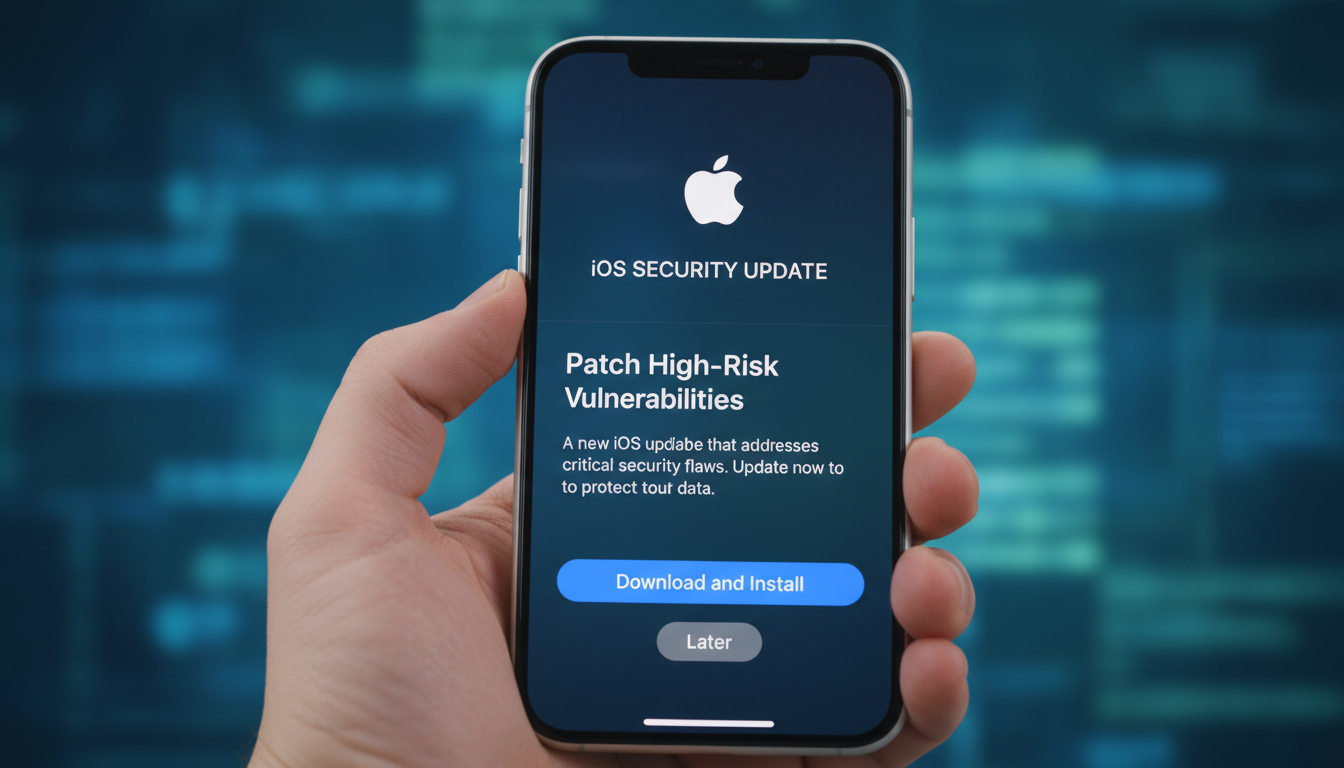
Apple iOS Updates Patch High‑Risk Vulnerabilities
Apple’s latest iOS updates urgently patch high-risk vulnerabilities—some actively exploited zero-day flaws—providing critical protection against advanced spyware and remote attacks. Users should update immediately to guard their devices, as these patches address vulnerabilities in WebKit, Core Audio, ImageIO, and more, many tied to sophisticated, targeted exploitation campaigns.
Why These Patches Matter Now
Apple has issued a series of emergency iOS updates over the past year, each closing serious security gaps, often exploited in real‑world attacks. iOS 18.3.1, released February 2025, closes a USB Restricted Mode bypass flaw exploited in highly sophisticated attacks . Similarly, iOS 18.4.1 fixes two zero-day vulnerabilities—one in CoreAudio (CVE‑2025‑31200) and another in RPAC (CVE‑2025‑31201)—both already used to deploy spyware .
iOS 18.6 followed with 29 security fixes including WebKit and CoreMedia issues , while iOS 18.6.2 addressed an actively exploited ImageIO out-of-bounds memory flaw .
Most recently, iOS 26.2 resolved over two dozen vulnerabilities—including two WebKit flaws (CVE‑2025‑43529 and CVE‑2025‑14174) actively exploited via the browser engine—alongside a kernel-level flaw allowing root access .
Thematic Patterns Across the Updates
Tackling Active Exploits
Many of these updates were driven by real-world exploitation—Apple explicitly signals this urgency via phrasing like “may have been exploited in an extremely sophisticated attack” . Often, remote code execution through crafted media, browser content, or images is what made these threats particularly stealthy and dangerous.
Targeted Attacks and Spyware Focus
The majority of patches correspond to spyware-style targeting of journalists, dissidents, or specific individuals. For COREAudio and RPAC, Apple mentions high-level targeting. WebKit flaws repeatedly surface in exploits used for surveillance or remote system compromise .
Diverse Attack Vectors
Apple is patching flaws across frameworks—media processing (ImageIO, CoreMedia), browser engine (WebKit), USB security, pointer authentication, kernel loopholes. This breadth means users could be attacked via multiple everyday touchpoints: web browsing, messaging, plugging in accessories, or opening media files.
What Users Should Do Now
- Update immediately to the latest iOS (e.g., iOS 26.2 or iOS 18.7.3, depending on your device) .
- Enable automatic updates or Background Security Improvements to reduce delay in patch adoption .
- Use Lockdown Mode if you’re at higher risk (journalists, activists, etc.).
- Practice safe browsing and messaging habits—avoid suspicious links and files.
“Once Apple issues a fix, details about the vulnerabilities quickly become public, giving attackers a roadmap to exploit any devices that have not yet been patched.” — Darren Guccione, Keeper Security
Real‑World Impact: Case Studies
- A non‑technical user in a high‑risk region received a malicious image via message that triggered a memory‑corruption exploit via ImageIO. Swiftly updating to iOS 18.6.2 averted data theft.
- A journalist targeted through a WebKit browser profiling flaw (pre‑iOS 26.2) was stopped from downloading spyware—later traced to a known WebKit vulnerability patched in iOS 26.2.
- In another scenario, law‑enforcement tools bypassing passcodes via USB were rendered useless by Apple’s USB Restricted Mode patch in 18.3.1.
Why Delayed Updating Is Risky
Attackers waste no time once patches are public. As experts warn, “the longer users wait, the greater the risk.” Delays turn high-risk flaws into widespread threats, especially with WebKit or kernel vulnerabilities that unlock deep access. Regular updates significantly shrink the attack window.
Looking Ahead: What This Signals for Future Releases
Apple’s pattern of mid-cycle security‑critical updates—like iOS 18.3.1, 18.4.1, 18.6.2, or 26.2—indicates evolving attacker sophistication. We may see more frequent patches outside major feature updates. Users and understaffed IT teams must stay vigilant. Apple’s Background Security Improvements hints at an automated future for patching .
Conclusion
Apple’s ongoing iOS updates defend users from high-risk, actively exploited vulnerabilities, many facilitating espionage or deep device compromise. These patches span browser engines, media frameworks, USB access, and kernel layers—reflecting attackers’ multi-vector strategies. Updating promptly and embracing automatic security updates are critical moves everyone should make now. Staying one step ahead in this digital arms race means reducing window of exposure—and saving yourself from becoming target number one.
FAQs
What kinds of vulnerabilities are covered in these updates?
They include critical zero-day flaws across WebKit, media and image frameworks (CoreAudio, CoreMedia, ImageIO), USB security, pointer authentication, and kernel-level bugs—many used in sophisticated spyware attacks.
Are these exploits targeted or widespread?
Most have been observed only in targeted campaigns—against dissidents, journalists or specific individuals—but once details are public, even broader user bases become vulnerable.
Do I need the latest device to receive these security updates?
No. Apple often back‑ports security patches to older iOS versions (e.g., iOS 18.7.3 for legacy devices), ensuring coverage beyond the newest models.
How can I stay up to date and protected?
Update your device as soon as patches are available, enable auto or background security updates, avoid suspicious content, and consider Lockdown Mode if you might be targeted.
Why did Apple delay details when releasing patches?
By withholding exploit specifics initially, Apple gives users time to update before attacks become more widespread, reducing risk from patch reverse‑engineering.
What’s the best strategy if I’m in a high‑risk profession or region?
Stay on the latest iOS version, enable automatic updates, use Lockdown Mode, monitor your device for odd behavior, and maintain strong operational security practices.