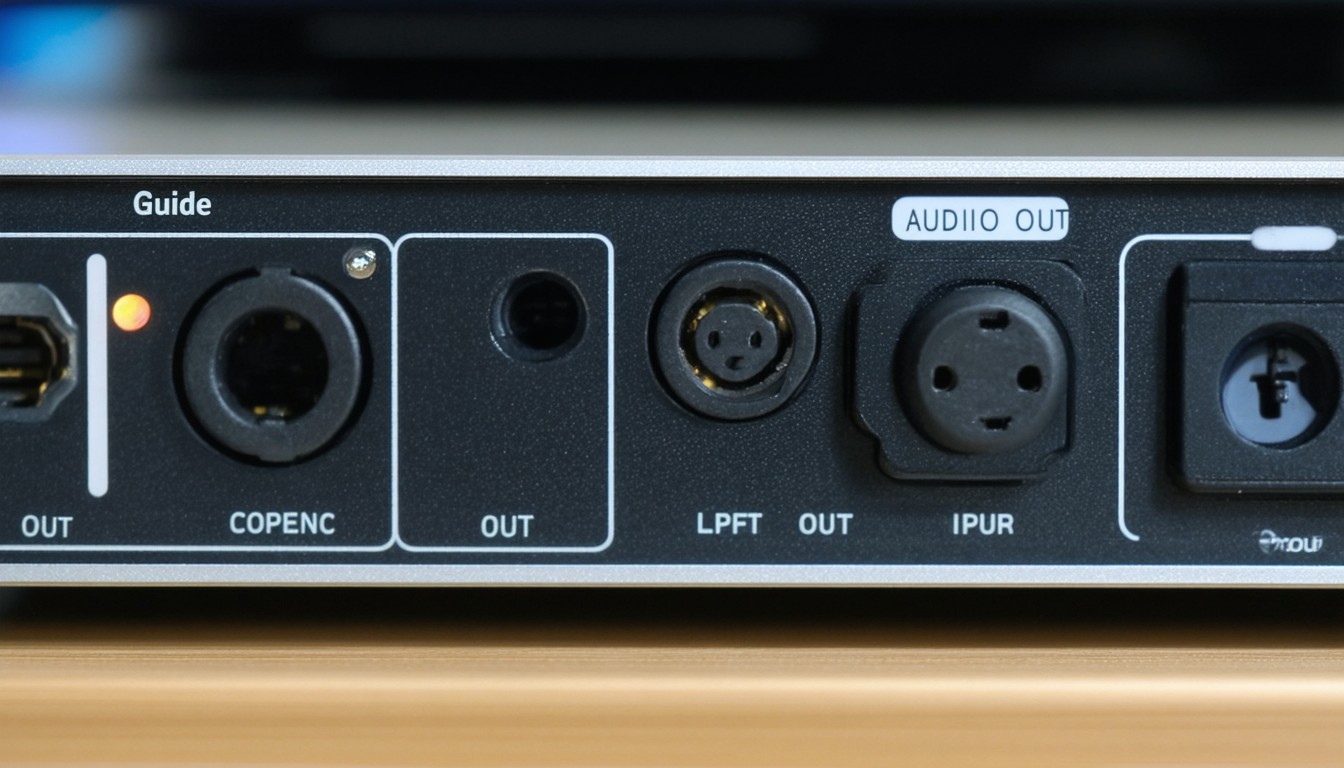
In an age dominated by high-definition video and immersive sound, reliable audio transmission is crucial. “Digital audio out optical,” frequently referred to as an optical audio output, has become a staple on TVs, soundbars, game consoles, and more. Recognizable by its small square port, often glowing with red light, this interface allows audio signals to travel digitally from one device to another—eliminating electrical interference and retaining crisp clarity. From audiophile home theaters to streaming-focused living rooms, understanding optical audio connections is vital for maximizing your setup.
What Is a Digital Audio Out Optical Port?
A digital audio out optical port (commonly known as a TOSLINK port, after the Toshiba Link standard) uses light to transmit audio data. Unlike traditional analog cables, which can suffer from electrical noise or degradation, an optical cable transmits signals as pulses of light through a fiber optic strand. This method preserves audio quality over longer distances and isolates signals from common sources of interference.
How Optical Audio Works
The basic principle is straightforward: the source device (such as a TV or Blu-ray player) encodes audio data as digital pulses. This data is sent down an optical fiber to a receiving device—an AV receiver, soundbar, or DAC (digital-to-analog converter). At the other end, the receiver “decodes” this digital signal back into analog sound for output via speakers or headphones.
Advantages of Optical Audio Output
- Immunity to Electromagnetic Interference: Since the signal is transmitted as light, it’s invulnerable to radio frequency or electrical interference. This is a significant advantage in environments crowded with electronics.
- Consistent Audio Quality: No matter the cable length (within reason), the sound quality remains stable—unlike with some analog counterparts.
- Multi-Channel Sound: TOSLINK supports uncompressed PCM (stereo) and compressed Dolby Digital or DTS multichannel surround sound, making it a go-to for home theater enthusiasts.
- Universal Compatibility: Most TV brands, older game consoles, and amplifiers support the format, ensuring wide interoperability.
Common Uses for Digital Audio Out Optical Connections
Digital optical audio remains essential—even as HDMI and wireless solutions gain prominence. Its reliability and ease of use make it a mainstay in several real-world applications.
Connecting TVs to Soundbars and Speakers
Modern flat-panel TVs often include a digital audio out optical port. As TV built-in speakers still struggle to match the fidelity of dedicated systems, routing audio out via optical to a soundbar or AV receiver is a common practice. Brands like Samsung and LG, for instance, prominently feature digital audio optical ports to streamline external audio setup.
“For many home users, optical audio outputs strike the right balance between quality and convenience—especially where HDMI-ARC or eARC is unavailable or too complex to configure.”
— Ellen Margolis, Home Theater Magazine
Game Consoles and Media Streamers
Legacy consoles such as the PlayStation 3, PlayStation 4, and Xbox 360 sport optical outputs, enabling players to route high-quality game audio directly to home theater systems. While newer devices emphasize HDMI, many gamers still use optical connections to incorporate legacy receivers or specialty headsets.
Audio Separates and Professional Equipment
Optical outputs also appear in professional AV gear, digital-to-analog converters, and high-end CD players. In recording studios, digital signal integrity is non-negotiable, and optical connections deliver reliable multi-channel sound over runs up to several meters.
Optical vs. Other Audio Connections: A Comparative Look
No single connection serves every purpose. Beyond digital audio out optical, consumers may encounter HDMI ARC/eARC, coaxial digital, and classic analog outputs. Each has unique properties.
Optical vs. HDMI (ARC/eARC)
HDMI Audio Return Channel (ARC) and Enhanced ARC (eARC) can transmit high-resolution codecs, including Dolby Atmos and DTS:X, which optical cannot. However, HDMI may sometimes suffer from handshake issues, require compatible devices, and, being electrical, is susceptible to noise over long distances.
Optical, while limited to standard-definition surround formats (Dolby Digital, DTS 5.1), is celebrated for its reliability:
- Use optical when your audio system doesn’t support ARC, or the physical distance/installation favors optical cable flexibility.
- Choose HDMI when aiming for the highest-resolution audio, object-based surround sound, or device simplification through CEC control.
Coaxial Digital and Analog Outputs
Coaxial digital cables also carry digital signals but use electrical pulses through copper rather than light. This can invite interference, although it’s usually minimal over short runs. Analog options (like RCA or 3.5mm stereo) remain useful for legacy gear but can’t deliver true surround sound formats.
Installation Tips and Troubleshooting
Setting up a digital audio out optical connection is typically plug-and-play. However, a few tips ensure optimal results:
- Clean connections: Dust can impede light transmission. Use a soft brush or compressed air to keep ports and cable ends clean.
- Secure cable routing: Avoid kinked or sharply bent cables, as this can disrupt the flow of light.
- Settings check: On many TVs or source devices, audio must be set to “optical” or “digital out” in the settings. Select the correct output format (PCM, Dolby Digital, etc.) as required by your receiver.
- No sound? Check caps: Some cables include protective covers on the ends—remove them before connecting.
In rare cases, signal dropouts or incompatibilities arise. If the equipment supports both HDMI and optical, try both to see which delivers stronger, more consistent audio in your setup.
The Future of Digital Audio Out Optical
While new standards like HDMI eARC and wireless streaming (Wi-Fi, Bluetooth, proprietary mesh networks) gather steam, optical audio connections continue to persist—especially where simplicity, reliability, and broad compatibility matter most. Many experts believe that optical will remain relevant, particularly in legacy and hybrid systems, even as digital ecosystems evolve.
Conclusion
Digital audio out optical technology delivers robust, consistent, and interference-free sound for a diverse range of systems. Its wide adoption across TVs, streaming devices, game consoles, and pro audio gear pays tribute to its versatility and reliability. While emerging formats and wireless alternatives offer new possibilities, optical audio remains a trusted solution for connecting and enjoying premium sound.
FAQs
What is the difference between digital audio out optical and HDMI ARC?
Digital audio out optical transmits audio via light, supporting up to Dolby Digital and DTS 5.1 surround sound. HDMI ARC can transmit higher-resolution audio formats and also carry video signals, but optical is generally more immune to interference.
Can an optical output support Dolby Atmos?
No, optical audio transmissions do not have the bandwidth to support Dolby Atmos or DTS:X object-based audio. For those formats, HDMI eARC is typically required.
Is optical audio better than analog audio connections?
In most use cases, yes. Optical audio maintains digital fidelity and is immune to electrical interference, while analog connections are more prone to signal loss and distortion over distance.
Do all TVs come with a digital audio out optical port?
Not all—although many mid-range and higher-end TVs from major brands include optical outputs, some newer models may rely solely on HDMI ARC. Always check the specifications before purchase.
How long can an optical audio cable be?
Most standard optical cables function well up to 5–10 meters (about 16–33 feet). For longer distances, signal integrity may decrease, so high-quality cables or signal boosters may be necessary.