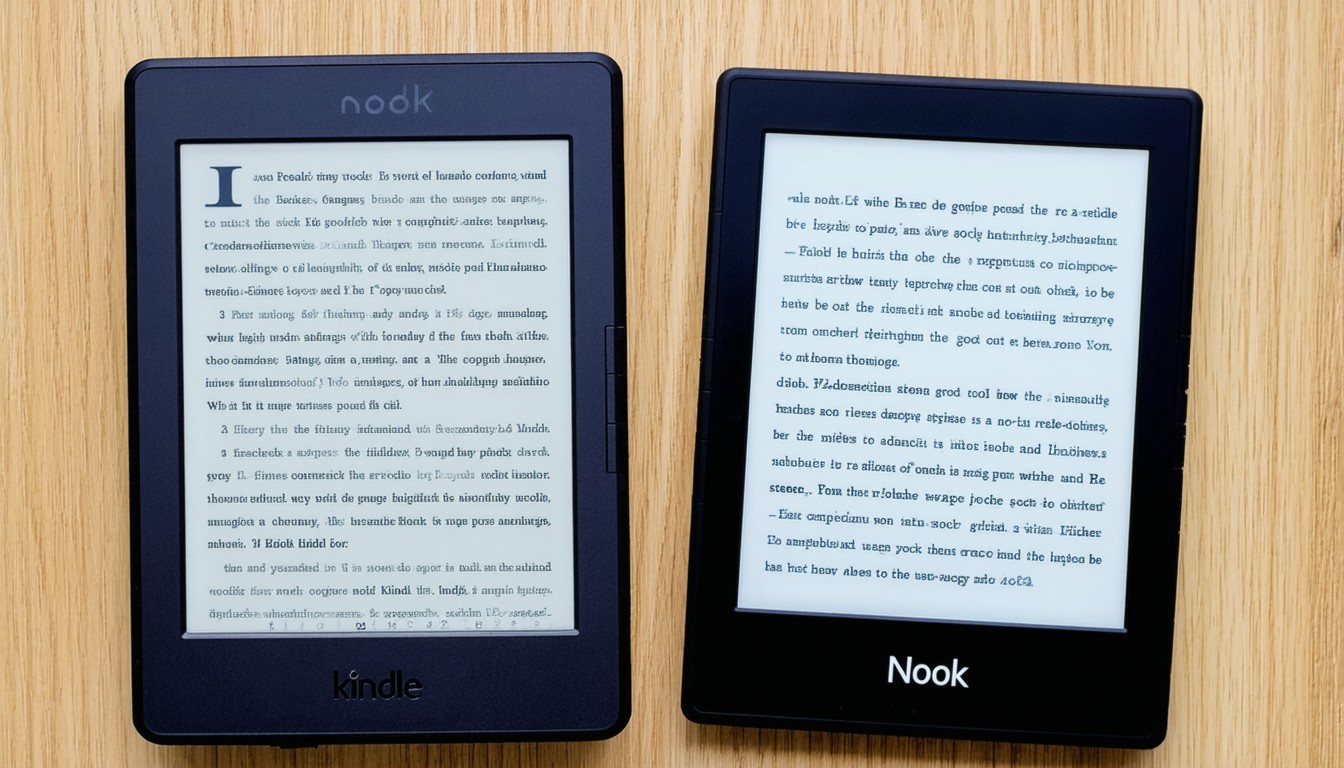
The competition between Amazon’s Kindle and Barnes & Noble’s Nook has defined the e-reader landscape for over a decade. As e-books continue to gain popularity, choosing the right device is about more than just storage and battery life—it’s an investment in your reading experience. Tech-savvy book lovers and casual readers alike face the question: Kindle vs Nook, which device suits your priorities?
Hardware and Design: Comparing Build and Display Quality
When evaluating e-readers, hardware plays a crucial role. Both Kindle and Nook lines offer a range of models to fit different needs, from basic entry-level devices to premium, waterproof editions.
Kindle Highlights
Amazon’s current Kindle lineup includes the Kindle (entry level), Paperwhite, and Oasis. Kindles are known for their lightweight bodies, responsive touchscreens, and high-resolution E Ink displays that mimic the look of real paper. The Paperwhite and Oasis offer adjustable front lighting, enabling comfortable reading in various lighting conditions. All current models have weeks-long battery life, often lasting through several books before needing a recharge. Many Kindles are now waterproof, ideal for poolside readers.
Nook Features
Meanwhile, Barnes & Noble’s Nook series—primarily the Nook GlowLight 4 and 4e—features similar E Ink technology and adaptive front lighting. The Nook is slightly wider and sometimes heavier than comparable Kindles, but many readers appreciate its soft-touch finishes and physical page-turn buttons. Battery life is competitive, and Nook models are generally lauded for their comfortable ergonomics.
“For readers with visual sensitivity or those who enjoy long sessions, display comfort is paramount—both Kindle and Nook excel, but subtle differences in lighting and physical feel can tip the scale for individual users,” observes Susan McIntyre, a publishing technology consultant.
Content Ecosystem: Bookstores, Formats, and Library Access
Beyond hardware, an e-reader’s ecosystem defines what you can read, how you read it, and how much you pay for content.
Kindle’s Dominant Library
Amazon’s Kindle store is the largest commercial e-book retailer in the world, offering millions of titles, magazines, comics, and audiobooks. Kindle supports Amazon’s proprietary AZW and KFX formats and can also display MOBI and PDF files, though options are more limited outside the Amazon store. Kindle users gain seamless access to features like Kindle Unlimited (an all-you-can-read subscription) and regular daily deals. Family and household sharing through Amazon accounts adds further value.
Nook’s Flexibility
Barnes & Noble’s Nook store is smaller in volume but features a solid range of popular and indie titles, including an emphasis on bestsellers and curated lists. Crucially, Nooks natively support the EPUB format—the global standard for e-books—making it easier to borrow from libraries, access independent publishing platforms, or transfer DRM-free titles from other sources. Nook also enables sideloading via USB and direct downloads from the Nook store.
Library Lending and Sideloading
While both platforms support borrowing e-books from public libraries (notably via OverDrive and Libby), Nooks have the design advantage. Kindle users must send checked-out library books to their device via Amazon’s system, whereas Nook users can directly load compatible EPUB files.
User Experience: Navigation, Customization, and Special Features
Ease of use is often cited as a deciding factor, especially for readers who value seamless navigation and personalization.
Kindle: Intuitive and Feature-Rich
The Kindle interface is consistent, with simple menus, customizable font options, dictionary lookup, and highlighting/annotation tools. X-Ray (for character and plot mapping), Goodreads integration, and Audible audiobook playback are unique highlights for Amazon’s devices. Frequent firmware updates add features over time, future-proofing your investment.
Nook: Simple, Customizable, and Private
Nook’s reading experience centers on simplicity and minimal distractions. While it lacks some of Kindle’s extras, Nook excels at basic reading. Some models offer customizable screensavers and support for password protection, appealing to privacy-focused users. The interface is crisp, with easy navigation and intuitive library organization tools.
Pricing, Availability, and International Use
Price remains a major factor for many readers. Both brands offer sales and bundles, but there are notable differences in pricing strategy and availability.
Competitive Pricing Shifts
Kindle devices start at a very accessible price, especially with ad-supported (“Special Offers”) versions. High-end Kindles like the Oasis command a premium. Nook’s prices are generally comparable, sometimes coming in slightly lower on list price but less frequently discounted.
Global Access and Device Support
Amazon Kindles are available in many countries with multilingual interface options and global e-book access. In contrast, Nook devices and content are officially sold in the US only, which can pose challenges for international travelers or expats. This limits Nook’s ecosystem reach and long-term support options outside North America.
Privacy, Ads, and Digital Rights
One area where Nook claims a clear advantage is reader privacy. Kindle’s integration with Amazon’s wider ecosystem means that book purchases, highlights, and reading history are deeply tied to your Amazon account, generating tailored recommendations and advertisements. Nook devices can run ad-free and, with minimal online account integration, offer greater privacy for those concerned about digital footprints.
Choosing Between Kindle and Nook: Decision Criteria
The ideal device hinges on your priorities. Here’s a generalized guide to aid decision-making:
- Choose Kindle if: You want the broadest selection of e-books and audiobooks, strong integration with Amazon services, frequent sales, and international device support.
- Choose Nook if: You value EPUB compatibility, are a heavy library borrower, want more privacy, or are a fan of tactile buttons and traditional reading ergonomics.
Conclusion: A Matter of Needs, Preferences, and Ecosystem
Both Kindle and Nook have matured into reliable e-readers with weeks-long battery life, glare-free screens, and expansive libraries. Kindle’s ecosystem and feature depth appeal to tech-forward readers and international users, while Nook’s open format and privacy features attract library lovers and those wary of big tech.
Ultimately, the decision boils down to where—and how—you like to find your next great read. Sample devices in-store when possible, reflect on your content preferences, and weigh international use or privacy needs before choosing. The “best” e-reader is the one that fits seamlessly into your reading life.
FAQs
Which e-reader supports more e-book formats?
Nook devices natively support the industry-standard EPUB format, making them more flexible for library loans and independent e-books. Kindles focus on Amazon’s proprietary formats but support some other file types through workarounds.
Can both Kindle and Nook borrow library books?
Yes, both support library borrowing via apps like OverDrive and Libby. However, the Nook’s direct EPUB support can make the borrowing process smoother in some cases.
Are there major differences in screen quality?
Both brands use high-resolution E Ink displays with front lighting. The differences are subtle; some users prefer Kindle’s warmth adjustment, while others favor Nook’s tactile page-turn buttons.
Is it possible to read audiobooks on both devices?
Kindle supports Audible audiobook playback on select models, allowing for seamless switching between reading and listening. Nook devices currently do not support native audiobook playback.
Which e-reader is better for privacy-conscious users?
Nook holds an edge thanks to minimal account integration and the absence of ads or data-driven recommendations, making it well-suited for privacy-focused readers.
Can I use Kindle or Nook outside the US?
Kindle devices are widely available and supported internationally. Nook devices and content are primarily US-based, which may limit options for international users.