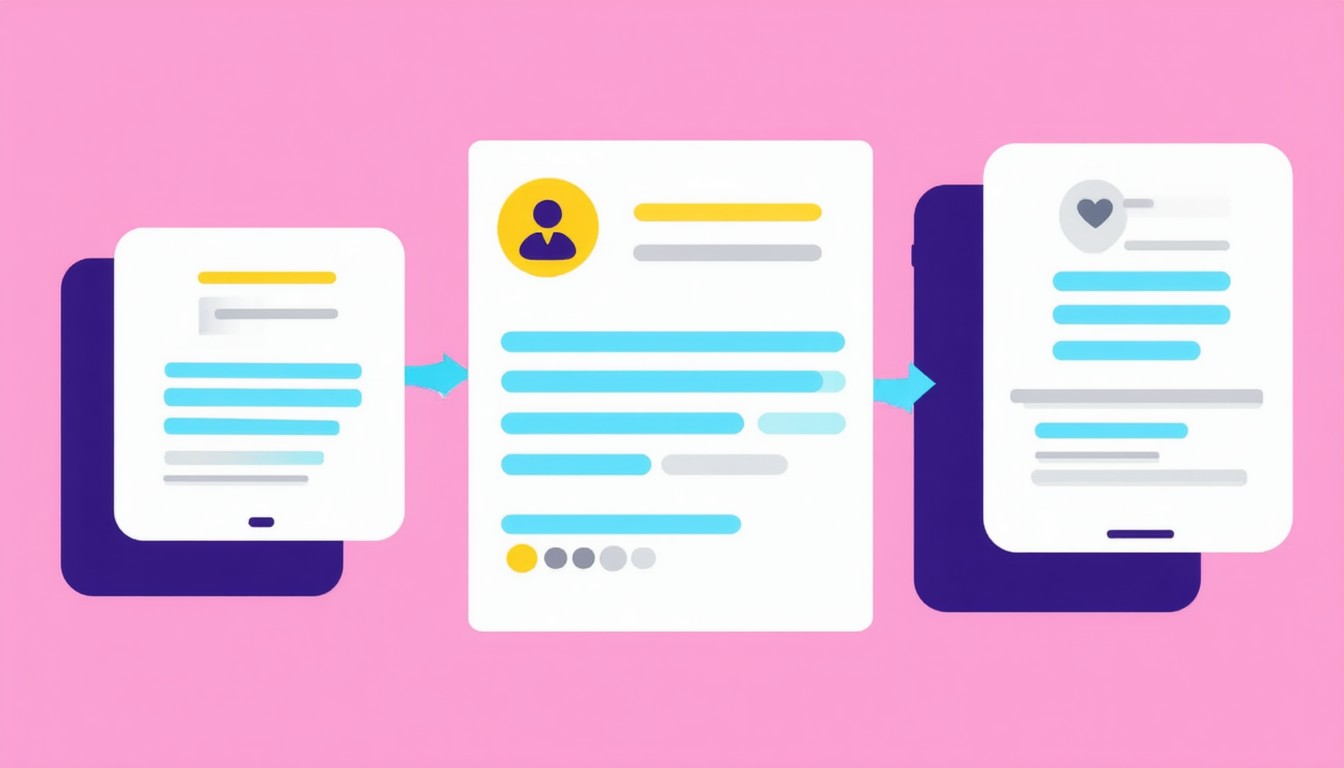
A world saturated with digital notifications is both a challenge and an opportunity. As smartphones, devices, and apps proliferate, consumers are hit with a steady stream of alerts—from messages to app updates and marketing pushes. Managing these digital signals is crucial for both users and developers. That’s where notification grouping comes in.
Notification grouping refers to the practice of bundling or organizing multiple notifications from the same source or on a similar topic, presenting them collectively instead of as separate, individual alerts. This can happen automatically (as with operating systems like Android or iOS) or be configured by app developers for better user experience.
Simply put, notification grouping transforms a cluttered, overwhelming notification panel into an organized, digestible experience. But what does this mean in practical terms for users, brands, and product teams?
How Notification Grouping Works in Modern Systems
At its core, notification grouping relies on context—whether that’s the source app, type of update, or a shared category. Major mobile operating systems have made notification grouping a default feature, but flexibility and depth vary.
Grouping Mechanisms Across Platforms
- iOS: Introduced grouped notifications in iOS 12, allowing alerts from the same app or thread (like a text conversation) to be collected together.
- Android: Supports “notification channels” and dynamic groups. Android developers can specify how notifications are bundled and which appear as standout alerts.
- Desktop Browsers & Web Apps: Some browsers and progressive web applications now offer notification grouping to avoid incessant banner floods during high-activity periods.
Grouping can be based on:
– Sender (e.g., multiple emails from the same address)
– Time window (all alerts in the last hour)
– Notification type (promotions vs. reminders)
– User settings (customizable for granular control)
Real-World Example: Messaging Apps
Consider how platforms like WhatsApp or Slack bundle unread messages. Instead of a dozen individual pings, grouped notifications show that there are “12 new messages in Marketing Team,” consolidating information and minimizing interruption.
Key Benefits of Notification Grouping for Users and Developers
Effective notification grouping brings tangible advantages. These extend from user experience to backend efficiency.
Improved User Experience and Focus
Grouping reduces notification fatigue. Instead of sifting through dozens of discrete alerts, users see a streamlined summary—much like skimming news headlines rather than reading every story.
“Thoughtful notification management enables users to stay informed without feeling overwhelmed. Grouping is fundamental to achieving this balance.”
— Dana Fridman, Senior Product Designer (Mobile Experience)
This approach helps users:
– Quickly assess what needs attention
– Minimize distractions during work or personal time
– Take action only when grouped alerts reach a threshold of importance
Enhanced App Reputation and Engagement
From a business perspective, notification overload can lead users to disable alerts entirely—negating their value. Grouping helps brands maintain a positive, helpful presence rather than becoming a digital nuisance.
Case studies in the retail and fintech sectors have shown that apps with grouped notifications see higher retention; users are less likely to uninstall or silence apps that respect their attention.
Technical Efficiency
Grouping also cuts down on processing load. When done thoughtfully, it can:
– Reduce duplicate sounds, banners, and device wake-ups
– Lower backend server calls (for example, sending digests rather than one-off pings)
– Improve analytics by enabling batch-level tracking
Challenges and Considerations in Notification Grouping
While the benefits are clear, effective implementation is not without complexity.
Finding the Right Grouping Logic
Grouping strategies can be blunt or granular. Too broad, and important alerts get buried; too narrow, and the benefit of grouping is lost. Developers must consider:
– User context and preferences
– Sensitivity and urgency of notifications (calendar reminders vs. breaking news)
– Opt-in/opt-out personalization
Platform Fragmentation
What works elegantly on iOS may need retooling for Android or web. App teams often must develop and test multiple approaches to guarantee consistency and quality.
Edge Case Management
Users expect critical notifications—like security alerts or urgent messages—to break through grouping when necessary. Platforms usually allow “high-priority” notifications to supersede groupings, but the right calibration is key.
Balancing Automation and User Control
Modern best practices favor giving users control, allowing them to decide how, when, and what gets grouped. Fine-tuned settings increase both transparency and trust.
The Evolving Role of Notification Grouping in Digital Attention
Notification grouping is more than a convenience; it touches on larger questions of digital wellness and attention management. According to surveys from digital health groups, the majority of users now consider custom notification settings a baseline expectation—not just a luxury.
Major tech brands, recognizing user fatigue, have started to intervene by offering enhanced grouping, quiet modes, and daily digests. The momentum behind these changes suggests notification grouping will only become more sophisticated.
Concluding Summary: Strategic Takeaways
Notification grouping, at its heart, is about respecting the end-user’s attention. As digital environments grow ever more noisy, approaches that streamline communications—while allowing critical information to stand out—are invaluable. Both technical teams and business leaders should view notification grouping as a core design principle, not an afterthought.
For organizations, the next step is clear: Audit your app’s notification strategy, consult user feedback, and evolve grouping logic to prioritize both relevance and user autonomy.
FAQs
What is notification grouping?
Notification grouping is the process of organizing multiple similar notifications into a single summarized alert, making them easier to view and manage. This grouping can be based on factors like sender, topic, or app.
Why is notification grouping important for user experience?
Grouping prevents notification overload by presenting alerts in an organized format, helping users focus on what matters without feeling overwhelmed. It also reduces interruptions and simplifies the notification panel.
How do apps or phones decide which notifications to group?
Most systems use criteria such as the source app, conversation thread, or notification category. Some platforms allow users or developers to set additional rules for more customized grouping.
Can critical notifications bypass grouping?
Yes, most platforms support “priority” or “urgent” notifications that appear separately, ensuring important messages aren’t missed even when grouping is enabled.
Does notification grouping improve battery life?
Consolidating notifications can reduce device wake-ups and background processing, which may help battery efficiency, although the impact varies by device and app.
Can users customize how their notifications are grouped?
On many platforms, users can adjust grouping settings—sometimes choosing to group by app, by type, or to disable grouping for certain types of notifications altogether. Customization options evolve with every major OS update.